Product Agent is currently in beta, and we’re seeking partners to help shape its future.
By adding categories to track in the Visibility tab, you can follow visibility trends and pinpoint where enrichment efforts will be most effective.

Procedure

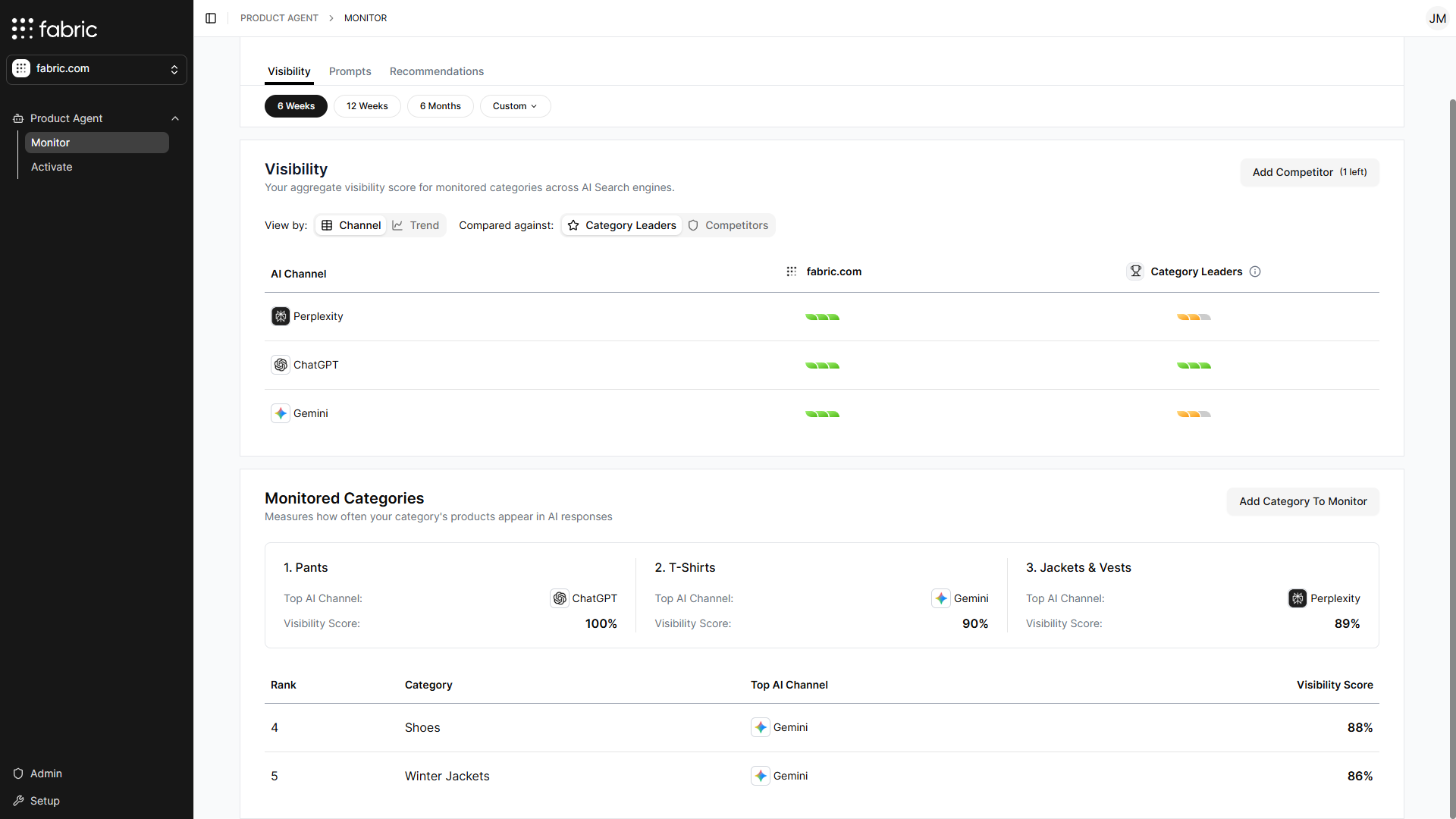
  1. Log into fabric NEON. The Visibility page for Monitor is displayed by default. Monitor Visibility Landing Page
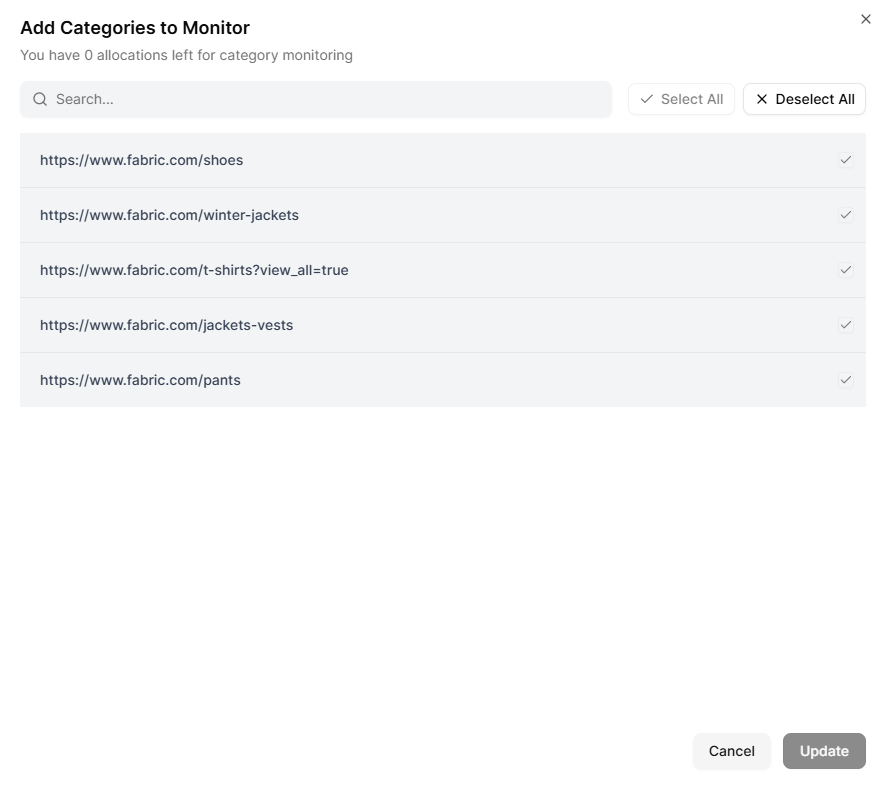
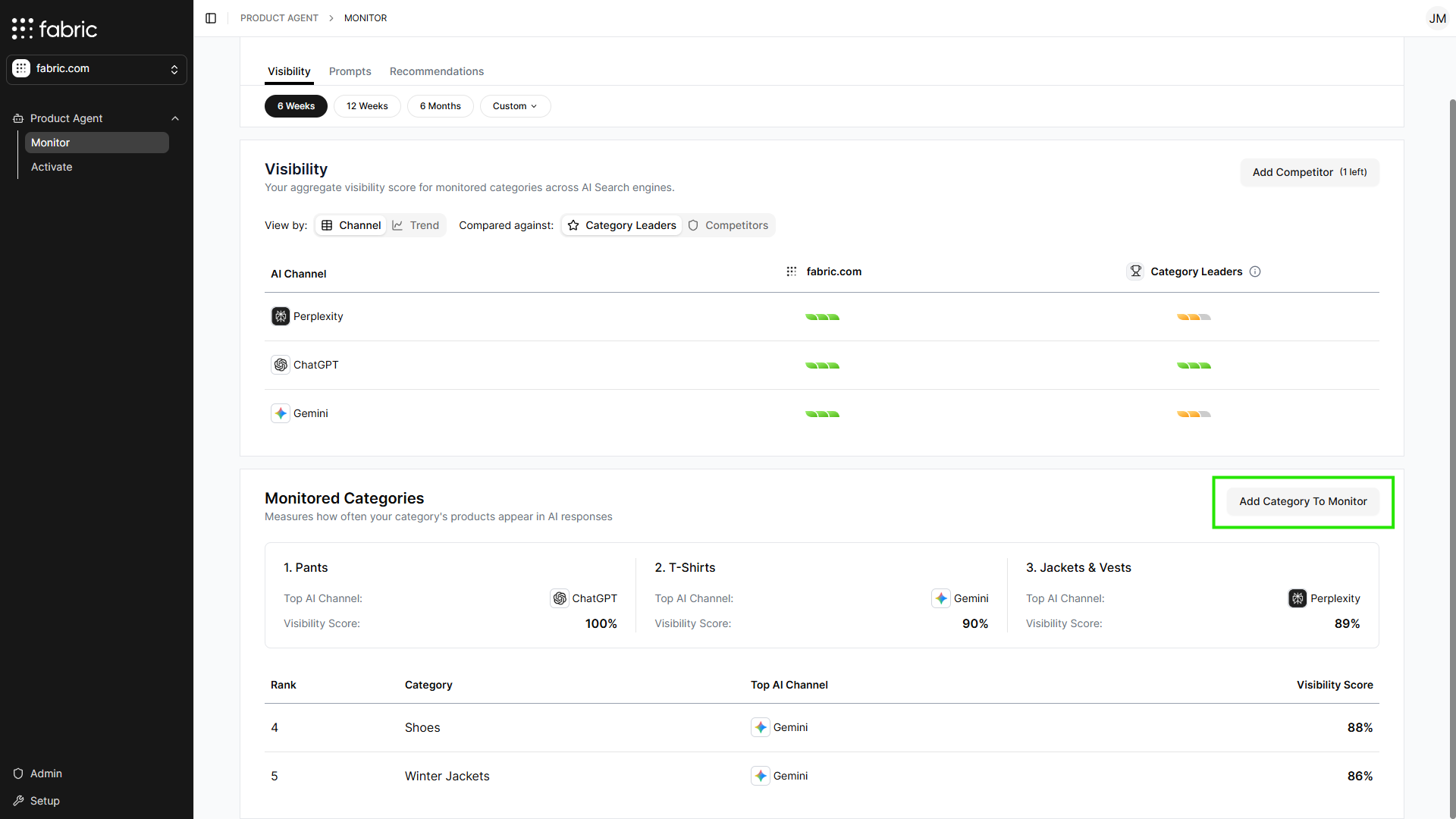
  2. Scroll down to the Monitored Categories section and click Add Category to Monitor. Add Monitored Categories The Add Categories to Monitor window is displayed. Add Category Window
  3. Select one or more categories.
  4. Click Update.
The selected categories are now tracked and displayed in the Monitored Categories section of the Monitor tab.